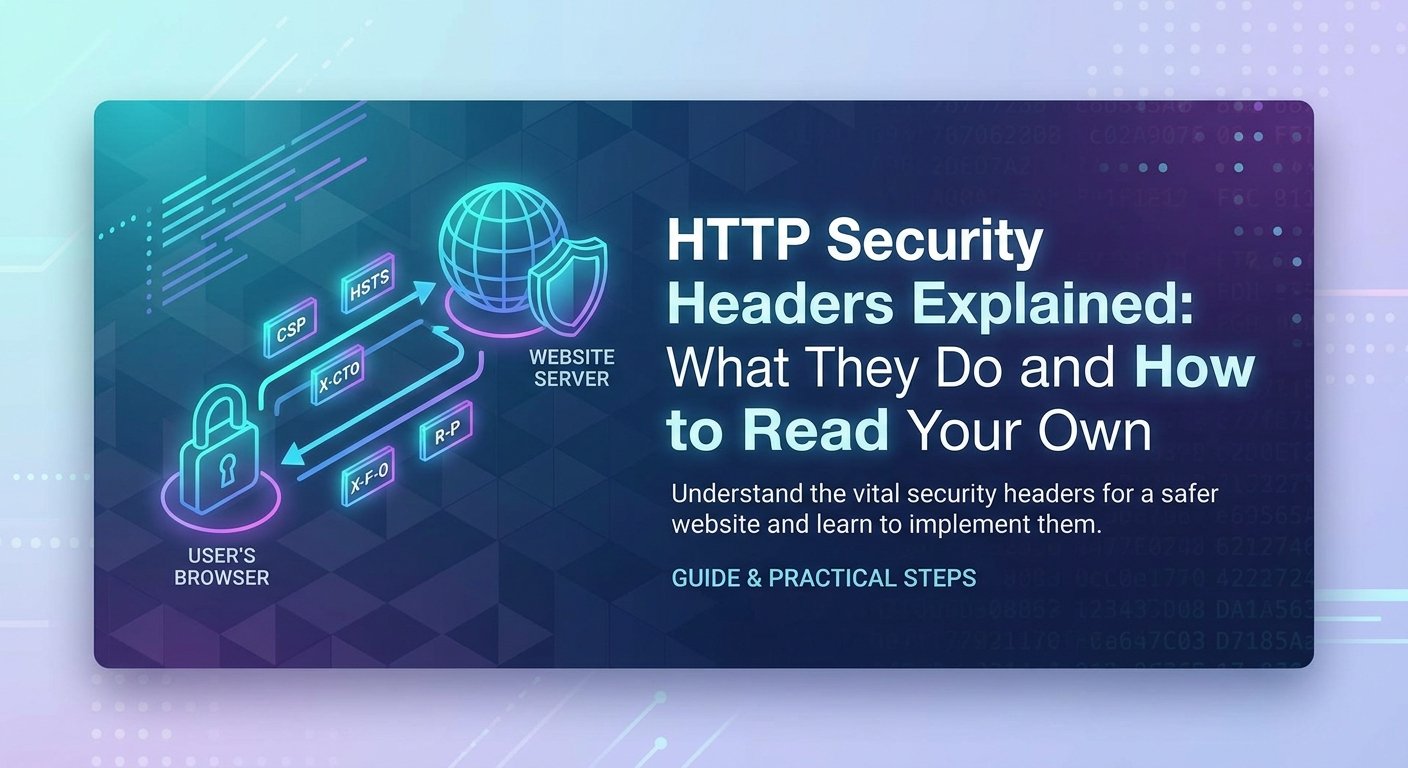
Every time someone loads your website, your server sends back more than HTML. It sends a set of HTTP response headers — short instructions that tell the browser how to treat the page. A handful of those headers exist purely to make attacks harder, and they are among the cheapest security wins available: no code changes, no new dependencies, just a few lines of server configuration.
This article explains what each of the main security headers actually does, how to read your own, and what a sensible baseline looks like. You can check any public site as you read using the Security Headers Checker.
How to see your own headers
Paste your URL into the Security Headers Checker and it will fetch the page, list what came back, and explain what is missing. Nothing is stored, and the request is made from our server to yours, exactly as an ordinary visitor's browser would.
If you prefer the command line, curl -I https://example.com does the same job. Either way, you are looking at the same thing: the instructions your server is giving every browser that visits.
Strict-Transport-Security (HSTS)
HSTS tells the browser to only ever connect to your site over HTTPS, and to refuse to fall back to HTTP even if a link, a bookmark or an attacker tries to force it.
Without HSTS there is a gap. A visitor who types example.com makes one plain HTTP request before your redirect kicks in, and on a hostile network — a cafe, an airport, a compromised router — that single request can be intercepted and quietly kept on HTTP. HSTS closes the gap after the first successful visit.
The catch: includeSubDomains means every subdomain must have a valid certificate. Add it only when that is true, because the browser will remember this instruction for the full max-age period and you cannot easily take it back.
Content-Security-Policy (CSP)
CSP is the most powerful header here and the most work to get right. It tells the browser which sources of script, style, image and frame content are legitimate, so that injected content simply does not execute.
Think of it as a backstop. If an attacker manages to inject a <script> tag through some other flaw, a good CSP means the browser refuses to run it. It does not fix the injection — it limits what the injection can achieve.
Most real policies are longer than the example above, because real sites load fonts, analytics and embeds. Building one by hand is fiddly, which is why we made the CSP Generator: you pick the sources you actually use and it produces the header.
The common mistake is shipping 'unsafe-inline' in script-src. It is often necessary at first, because inline scripts are everywhere in older templates, but it removes most of the protection CSP offers. Treat it as technical debt with a plan to remove it, not a permanent setting.
X-Frame-Options and frame-ancestors
These stop other sites from loading yours inside an invisible iframe and tricking users into clicking things they cannot see — an attack called clickjacking.
frame-ancestors is the modern replacement and is more flexible, but X-Frame-Options is still worth sending for older browsers. Sending both is normal and costs nothing.
X-Content-Type-Options
One value, one job: stop the browser guessing at content types. Without it, a browser may look at a file you served as plain text, decide it looks like JavaScript, and execute it. That matters most on sites that host user-uploaded files. There is no downside and no configuration — if it is missing, add it.
Referrer-Policy
By default, when a visitor clicks a link off your site, the full URL of the page they were on is sent to the destination. If that URL contains a password reset token, an account number or a private document ID, you have just handed it to a third party.
The value above sends the full URL within your own site, but only the domain when leaving it. It is a sensible default for almost everyone.
Permissions-Policy
This declares which browser features your site is allowed to use. If your site never needs the camera, saying so explicitly means an injected script or a compromised third-party embed cannot quietly ask for it either. Start by denying everything you do not use.
A reasonable baseline
For a typical content site, this is a defensible starting point:
Add HSTS last, and only once HTTPS works correctly everywhere including subdomains. The other five are safe to add immediately on almost any site.
What headers cannot do
It is worth being honest about the limits. Security headers are browser instructions. They do nothing about SQL injection, broken access control, weak passwords, or an exposed admin panel — none of which involve the browser at all. A site can score full marks on a header check and still be trivially breakable.
They are a genuine layer of defence, and a fast one to add. They are not an assessment of whether your application is secure.
Check the neighbouring things too
Headers rarely travel alone. While you are here:
- SSL Certificate Checker — confirm the certificate chain and expiry date behind your HSTS policy.
- Cookie Security Checker — verify your cookies carry Secure, HttpOnly and SameSite.
- CORS Checker — a permissive CORS policy can undo careful CSP work.
- All security tools — the full toolkit, free and mostly browser-side.
Where to go next
If you read this and thought "I understand the headers but not the attacks they prevent", that is the right instinct — and the gap is worth closing properly.
- Stuck on something specific? Ask in the BitCops community chat. It is free, and there is usually someone around who has hit the same wall. No question is too basic there.
- Want the foundations? Our free cyber security courses start from zero — the Introduction to Cyber Security course assumes no prior knowledge and covers the attacks these headers defend against.
- Prefer watching? We publish walkthroughs on YouTube.
- Longer discussions happen on the BitCops forum, and more writing lives on the BitCops blog.
Run your own site through the Security Headers Checker now. Most sites are missing at least two of the six, and fixing them usually takes a single afternoon.
Comments
No comments yet. Be the first to add one.
Leave a comment
Your email is required so we can reply, and is never published or shared. Comments are reviewed before they appear.